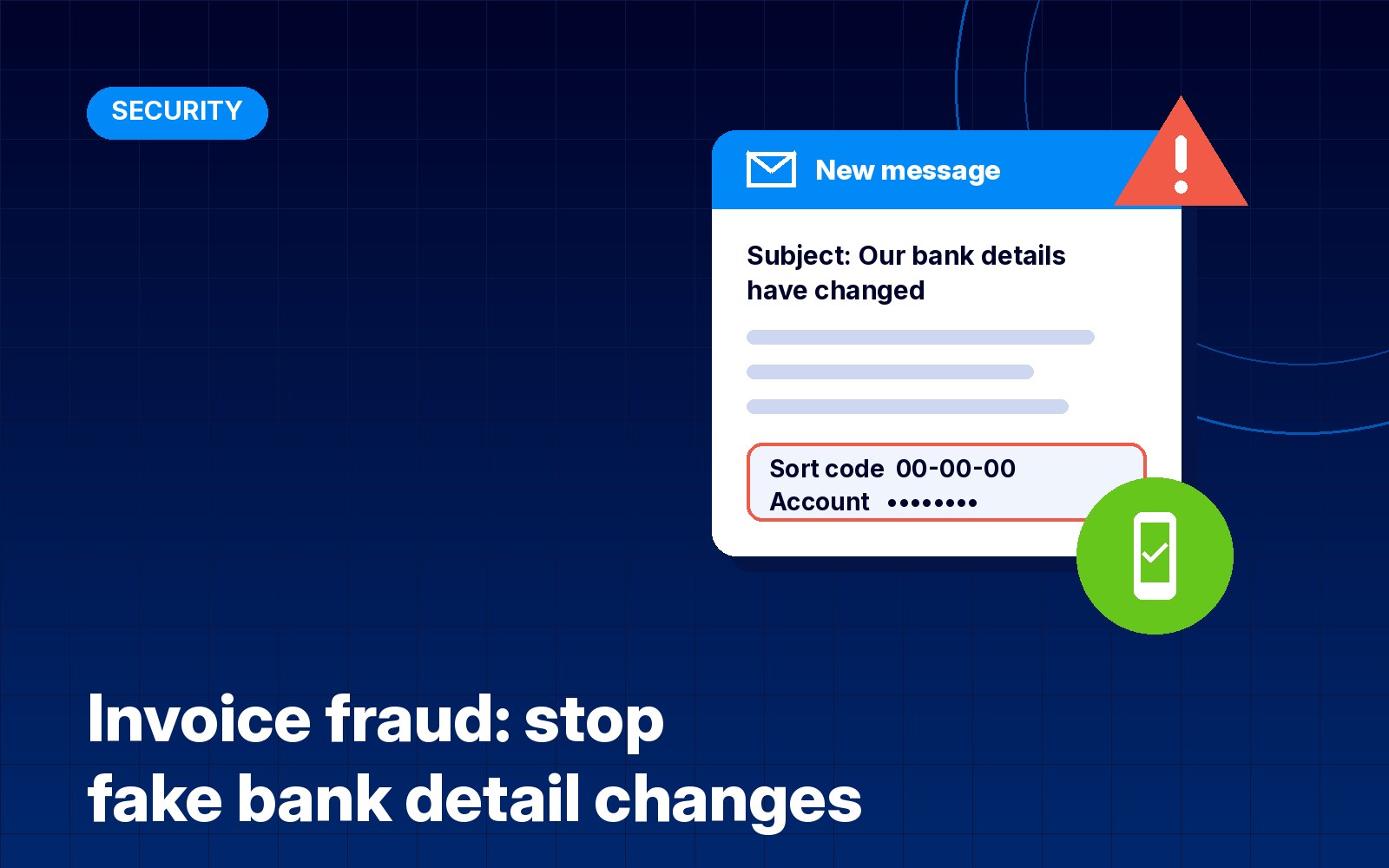
An email lands from a supplier you’ve used for years. Same name, same logo, same friendly tone. It says they’ve changed banks and asks you to pay this month’s invoice into a new account. You update the details, send the money, and a few weeks later the real supplier asks why you haven’t paid.
That’s invoice fraud, also called mandate fraud, payment diversion fraud or business email compromise (BEC). It’s one of the most common scams aimed at small businesses, and it works because it doesn’t look like a scam. Here’s how it happens, the warning signs to look for, and the simple habits that stop it.
What is invoice fraud?
Invoice fraud is when criminals trick you into paying a fake invoice, or into sending a genuine payment to their bank account instead of the right one. The police Report Fraud service explains that criminals usually pretend to be a company you already deal with, often using email addresses that look almost identical to the real one, and ask you to make a payment or update their bank details.
It isn’t a small problem. When the National Crime Agency and NatWest launched a campaign against invoice fraud, they quoted Action Fraud figures showing that in September 2025 alone, victims lost £3,908,086 across 83 reported cases, an average of more than £47,000 per case.
How the scam works
There are two main ways criminals pull this off.
- A lookalike email address. The criminal registers a domain that’s one letter off from your supplier’s, or uses a free email account with the supplier’s name on it. At a glance, accounts@smith-plumbing.co.uk and accounts@smith-plumbimg.co.uk look the same.
- A hacked email account. This is the nastier version. The criminal gets into a real mailbox, either yours or your supplier’s, often through a phishing email or a reused password. They read old messages, wait for an invoice to be due, then reply in the existing email thread with “new” bank details. Because the email really does come from the right address, spam filters often let it straight through.
The National Cyber Security Centre (NCSC) points out that these emails are sent in small numbers and tailored to the person receiving them, which is why normal spam filters can struggle to catch them. Criminals also use details from websites and social media, such as who the boss is or when they’re on holiday, to make the request more believable.
Warning signs to look out for
None of these prove an email is fake on their own, but any of them should make you stop and check:
- A supplier or contractor says their bank details have changed.
- The email is urgent, mentions late payment, or asks you to keep it quiet.
- The sender’s address is slightly different from usual, or the reply-to address is different from the sender.
- The invoice doesn’t match previous ones, such as different reference numbers, amounts, contact names or layout.
- The wording, spelling or tone isn’t quite how that person normally writes.
- Someone senior asks you by email to make an unusual payment, often when they’re “in a meeting” or away and can’t be reached.
- An invoice arrives for goods or services you don’t recognise.
Unexpected bills for things you didn’t order are a close cousin of this scam. I covered one common version in my post on fake domain renewal notices.
Five habits that stop invoice fraud
The good news is that you don’t need expensive software to protect yourself. A few simple rules, followed every time, will stop most attempts.
- Always phone to check new bank details. If anyone asks you to pay a new account, ring them on a number you already have on file or from their official website. Never use the phone number in the email asking for the change, because it may belong to the criminal.
- Send a small test payment for big amounts. Report Fraud suggests sending a small amount first and confirming it arrived before sending the rest.
- Pay attention to your bank’s name check. When you set up a new payee, most UK banks now check whether the name you’ve typed matches the account. If you get a warning that the name doesn’t match, stop and check before going any further.
- Limit who can change payment details. Only one or two named people should be able to change a supplier’s bank details, and big or unusual payments should be approved by a second person.
- Never feel rushed. Urgency is the criminal’s best tool. A genuine supplier won’t mind waiting while you make a quick phone call.
Protect your own email account
If criminals get into your mailbox, they can send fake invoices to your customers in your name, or quietly watch for payments you’re about to make. Protecting your email protects everyone you deal with.
- Turn on two-step verification (2SV) for every business email account. The NCSC small organisations guide recommends passkeys where your email service supports them, or a strong password plus 2SV where it doesn’t.
- Use a different password for your email from everything else, ideally stored in a password manager.
- Check for forwarding rules you didn’t set up. A common trick after breaking into an account is to add a rule that quietly forwards or deletes certain emails, so you never see the real supplier’s replies. Look in your mail settings for rules and forwarding addresses.
- Set up SPF, DKIM and DMARC on your domain. These records make it much harder for criminals to send emails that pretend to come from your exact address. My guide to SPF, DKIM and DMARC explains what each one does, and DNS records explained shows where they go.
One thing to be aware of: SPF, DKIM and DMARC stop people faking your exact domain, but they can’t stop a lookalike domain or an email sent from a genuinely hacked account. That’s why the phone call check above still matters.
What to do if you’ve been caught out
If you think you’ve paid a fraudster, act quickly. The NCSC advice on business payment fraud and Report Fraud both say the same things:
- Contact your bank straight away, using the number on its official website or the back of your card. The sooner they know, the better the chance of stopping the money.
- Report it to Report Fraud (the service that used to be called Action Fraud) online or on 0300 123 2040.
- Keep everything: the emails, invoices and any messages. Don’t delete them, as they’ll help the investigation.
- Secure your email account if you think it was hacked. Change the password, turn on 2SV, remove any unknown forwarding rules and follow the NCSC’s guide to recovering a hacked account.
- Warn your customers and suppliers if your account was used to send fake invoices, so they don’t pay them.
- Be wary of follow-up calls. Report Fraud warns that fraudsters sometimes contact victims again claiming they can recover the lost money. That’s a second scam.
Sources
- Report Fraud: Mandate fraud
- NCSC: Business email compromise, defending your organisation
- NCSC: Business payment fraud
- National Crime Agency: NCA and NatWest launch campaign to protect against Invoice Fraud in business
Need help?
I set up and look after business email, domains and websites for small businesses in Milton Keynes and across the UK, including SPF, DKIM and DMARC and two-step verification. If you’d like your email checked over, get in touch.