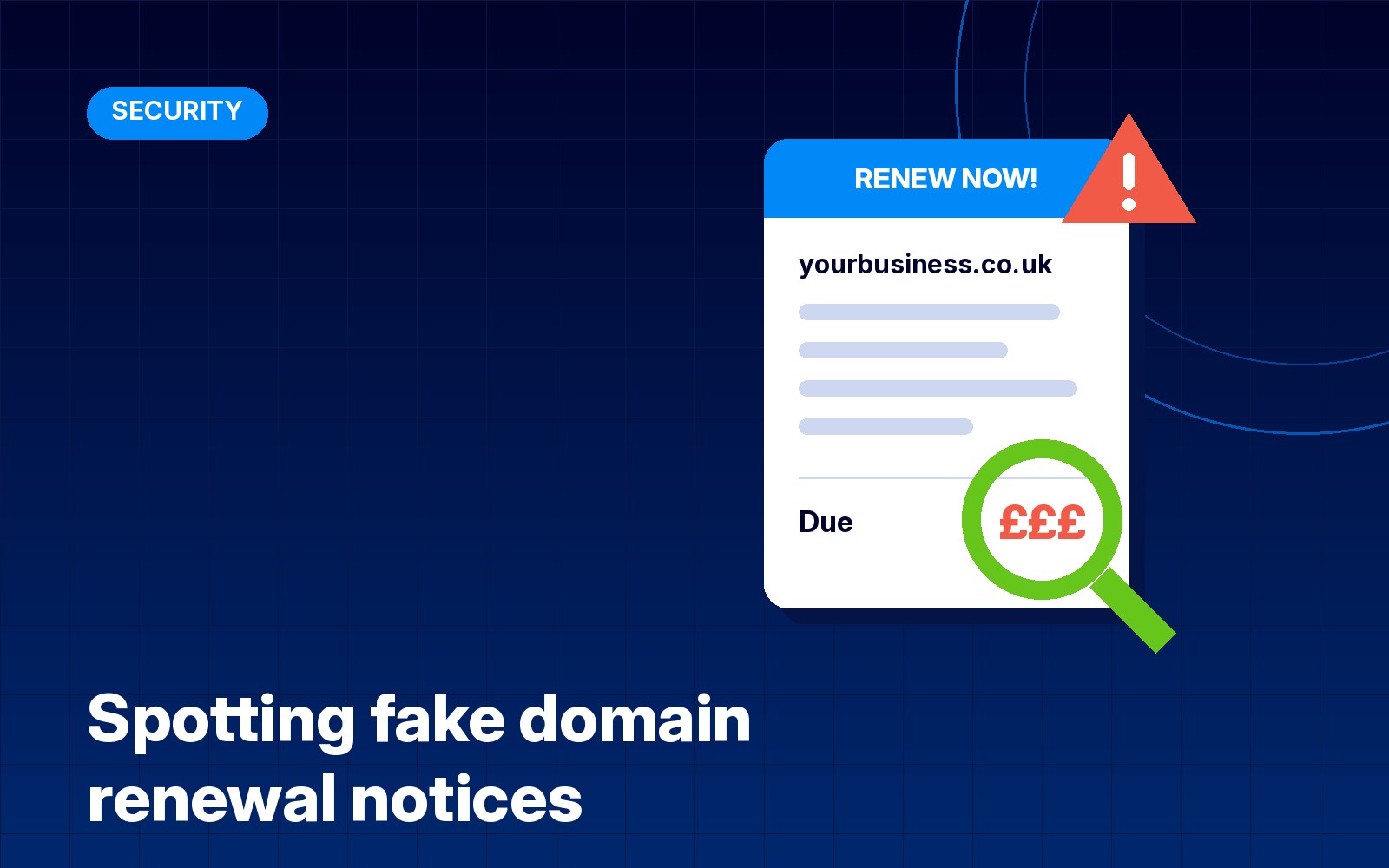
If you own a website, sooner or later you’ll get a message telling you your domain name is about to expire. Some are genuine reminders from the company you pay. Plenty aren’t. Fake renewal notices arrive by email and even by post, and they’re written to make you pay quickly before you stop to check.
This guide explains the common versions, how to tell a real reminder from a fake one, and what to do if you’ve already clicked or paid. It only takes a few minutes to get set up so these messages stop being a worry.
Why domain owners get targeted
When you register a domain, you become the registrant, and some of your details can end up on public lookup services. Your domain name is on show on your website and in every email you send. That makes it easy for scammers and pushy sales outfits to work out who you are and what to send you.
ICANN, the body that coordinates domain names worldwide, puts it simply in its guide to keeping your domain secure: all domain holders are at risk of online fraud and scams. The common tricks it lists are fake renewal emails pretending to be ICANN or a registrar, phishing to steal your login details so someone can take control of your domain, and pressure to buy a similar domain under a different ending at a higher price.
The three kinds you’ll usually see
1. The fake renewal invoice. An email or letter called something like “Domain Expiration Notice” lists your domain, an expiry date and a price. Sometimes it’s an outright scam and the money goes nowhere. Sometimes the small print shows it’s really an offer to transfer your domain to a different company, usually at a much higher price than you pay now. Either way, it isn’t from your registrar.
2. The phishing login. This one copies your registrar’s or hosting company’s branding and says your domain will be suspended unless you log in or “verify” your details. The link goes to a fake login page that collects your username and password. With those, someone can change your DNS, redirect your website or email, or move the domain away from you. Nominet, which runs the .uk registry, has warned about spoof emails pretending to come from it that ask people to validate email credentials for .uk domains.
3. The “someone wants your name” pitch. A message claims another company is about to register your business name with a different ending, such as .com, .net or an overseas one, and gives you a short window to buy it first. It’s a sales tactic built on urgency. If you don’t need that domain, you can ignore it.
How to spot a fake renewal notice
Most fakes give themselves away if you slow down and look for these signs:
- It’s not from the company you pay. Your real reminder comes from your own registrar or hosting company, or from your web designer if they manage the domain for you. A name you don’t recognise is the biggest warning sign.
- It arrived by post. Registrars normally send reminders by email to the address on your account. A paper letter about your domain is very likely to be a sales letter or a scam.
- The sender address is a bit off. Check the address after the @, not just the display name. Nominet says its registry emails come from nominet.uk and nominet.org.uk addresses, so a message claiming to be Nominet from anything else should be treated with suspicion.
- It’s urgent and threatening. “Your website will go offline today” or “final notice” is meant to rush you. Genuine registrars usually send several reminders well ahead of the expiry date.
- The wording avoids saying renew. Look for words like transfer, switch, listing or search engine registration in the small print.
- The domain or price is wrong. It might be for a slightly different name or ending, or the price is far higher than you normally pay.
- It wants payment by an odd route. Bank transfer to an individual, a payment link in the email, or a phone number to call and read out card details are all red flags.
How to check without clicking anything
The safe habit is simple: never use the link, button or phone number in the message. Go to the company yourself by a route you already know.
- Log in to your registrar directly. Type their web address yourself or use a bookmark. Your dashboard shows each domain’s expiry date and whether auto-renew is switched on.
- Look the domain up. For .uk domains, Nominet’s Domain Lookup shows which registrar holds the domain and when it’s due for renewal. For .com and other generic endings, ICANN Lookup does the same job.
- Compare the names. If the registrar shown in the lookup doesn’t match the company that sent the notice, it’s not a genuine renewal.
- Ask whoever looks after your website. If your web designer or host manages your domain, a quick message to them will settle it.
What to do if you’ve already clicked or paid
It happens to careful people too, so don’t panic. Act quickly and in this order:
- If you entered a password, change it straight away on the real site, typed in yourself. If you use the same password anywhere else, change those too, starting with your email.
- Turn on two-factor authentication on your registrar, hosting and email accounts if it isn’t on already.
- Check your domain settings. Make sure the contact email, nameservers and DNS records haven’t been changed, and that the domain is still locked against transfers. My guide to DNS records explains what each record does, so you can spot anything unexpected.
- If you paid, contact your bank or card provider straight away and explain what happened.
- Report it. If you’ve lost money, the NCSC’s scam reporting guidance says to report it to Report Fraud online or on 0300 123 2040 in England, Wales or Northern Ireland, or to Police Scotland on 101.
Report the fake
Even if you didn’t fall for it, it’s worth reporting. Forward suspicious emails to report@phishing.gov.uk, the National Cyber Security Centre’s reporting service. The NCSC says it can investigate and remove scam email addresses and websites, and you can send it emails that feel suspicious even if you’re not certain. If a message pretends to be from Nominet, you can also check with Nominet’s customer services.
Set things up so fakes don’t worry you
Fake notices work because many business owners aren’t sure who holds their domain. A few minutes now fixes that:
- Write down your registrar, host and email provider, and keep the logins in a password manager.
- Make sure the domain is in your name, or your business’s name, with a contact email you actually read. If a past designer registered it for you, check it’s still yours.
- Switch on auto-renew with a card that won’t expire soon, and note the renewal date in your calendar.
- Use a strong, unique password and two-factor authentication on the registrar account. Whoever controls that account controls your website and email.
- Keep your contact email separate from the domain itself if you can. If your domain ever lapses, email on that domain can stop working, so the reminders may never reach you.
Protecting your domain also protects your email. If someone gets into your registrar account they can change the records that tell other mail servers your messages are genuine, which is covered in my guide to SPF, DKIM and DMARC.
Sources
- ICANN: important tips to help keep your domain name secure (PDF)
- Nominet: watch out for spoof emails
- NCSC: report a scam email
Need help?
I look after domains, hosting and email for small businesses in Milton Keynes and across the UK. If you’ve had a renewal notice you’re not sure about, or you’d like me to check your domain is safely in your name, get in touch.